ZK Framework
Status: Production-ready, Commercial & Open Source
Java Version: 8+ (11+ recommended)
Learning Curve: Moderate
Last Release: ZK 10.0.0 (2024)
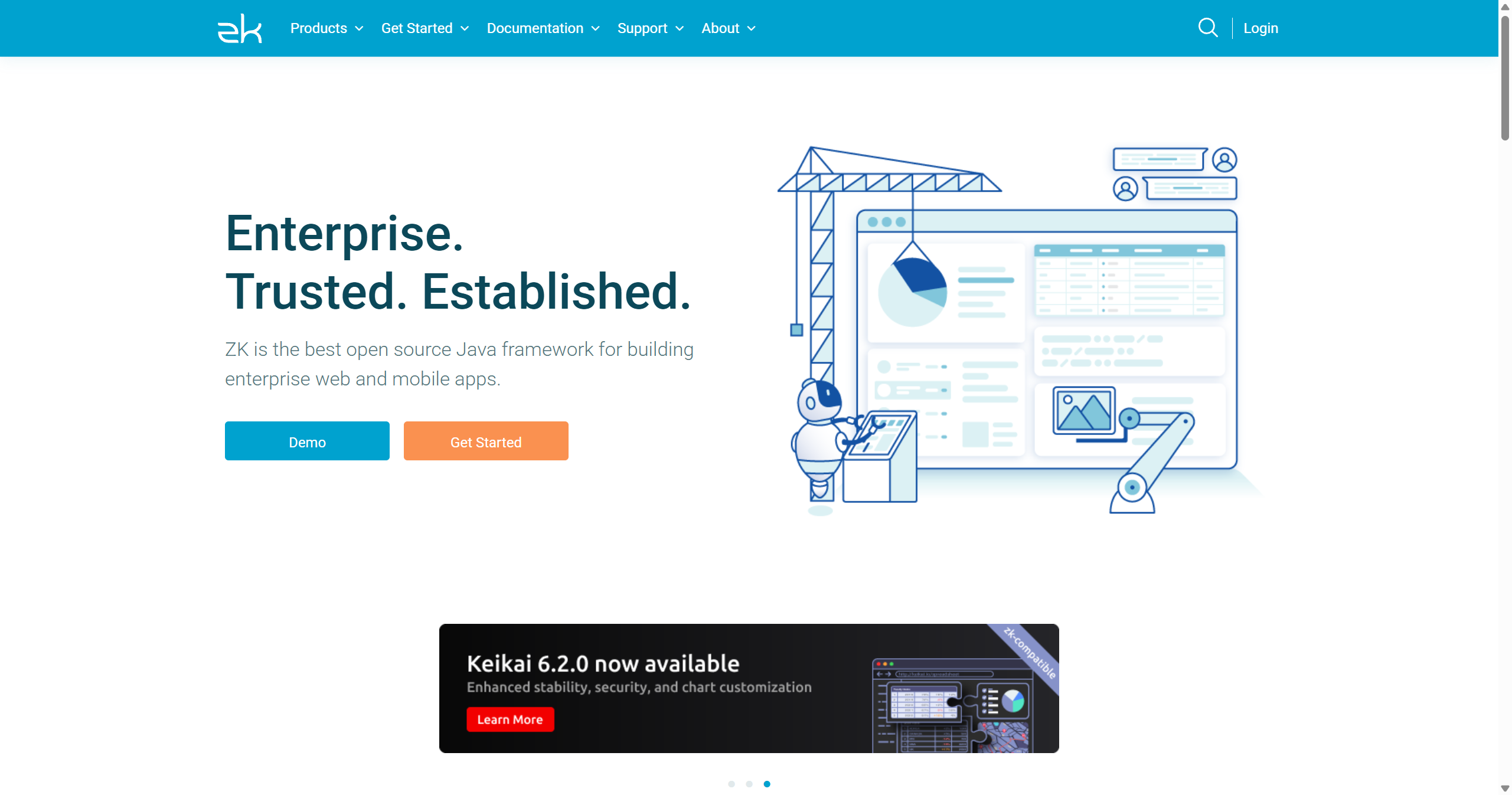
ZK Framework WebsiteZK is an enterprise-focused, component-based web framework that enables building rich web applications entirely in Java with minimal JavaScript. Following an event-driven programming model similar to Swing or JavaFX, ZK synchronizes UI components between server and browser automatically. The framework provides over 100 Ajax-enabled UI components including grids, charts, calendars, trees, and specialized widgets for business applications. ZK supports both Java and XML (ZUL) for UI definition, offering MVVM and MVC patterns for application architecture. The framework includes ZK Studio (Eclipse plugin) for visual development, and comes in Community (open source) and Enterprise editions, with the latter adding features like a spreadsheet component, pivot tables, advanced theming, and professional support. ZK is particularly popular in enterprise environments for dashboards, admin panels, and line-of-business applications where Java developers can build sophisticated UIs without JavaScript expertise. It competes with frameworks like Vaadin but offers more widgets out of the box and a different component lifecycle model.
Code Example
// Java controller
            public class HelloComposer extends SelectorComposer<Component> {
                @Wire
                private Label messageLabel;

                @Wire
                private Textbox nameBox;

                @Listen("onClick = #helloButton")
                public void sayHello() {
                    String name = nameBox.getValue();
                    messageLabel.setValue("Hello, " + name + "!");
                }
            }

            <!-- ZUL page (hello.zul) -->
            <!--
            <window title="ZK Example" border="normal"
                    apply="com.example.HelloComposer">
                <vlayout spacing="10px">
                    <label id="messageLabel" value="Enter your name:" />
                    <textbox id="nameBox" />
                    <button id="helloButton" label="Say Hello" />
                </vlayout>
            </window>
            -->