tui4j
Status: Archived, No Longer Maintained
Java Version: 8+
Learning Curve: Easy
Last Release: Last activity 2020
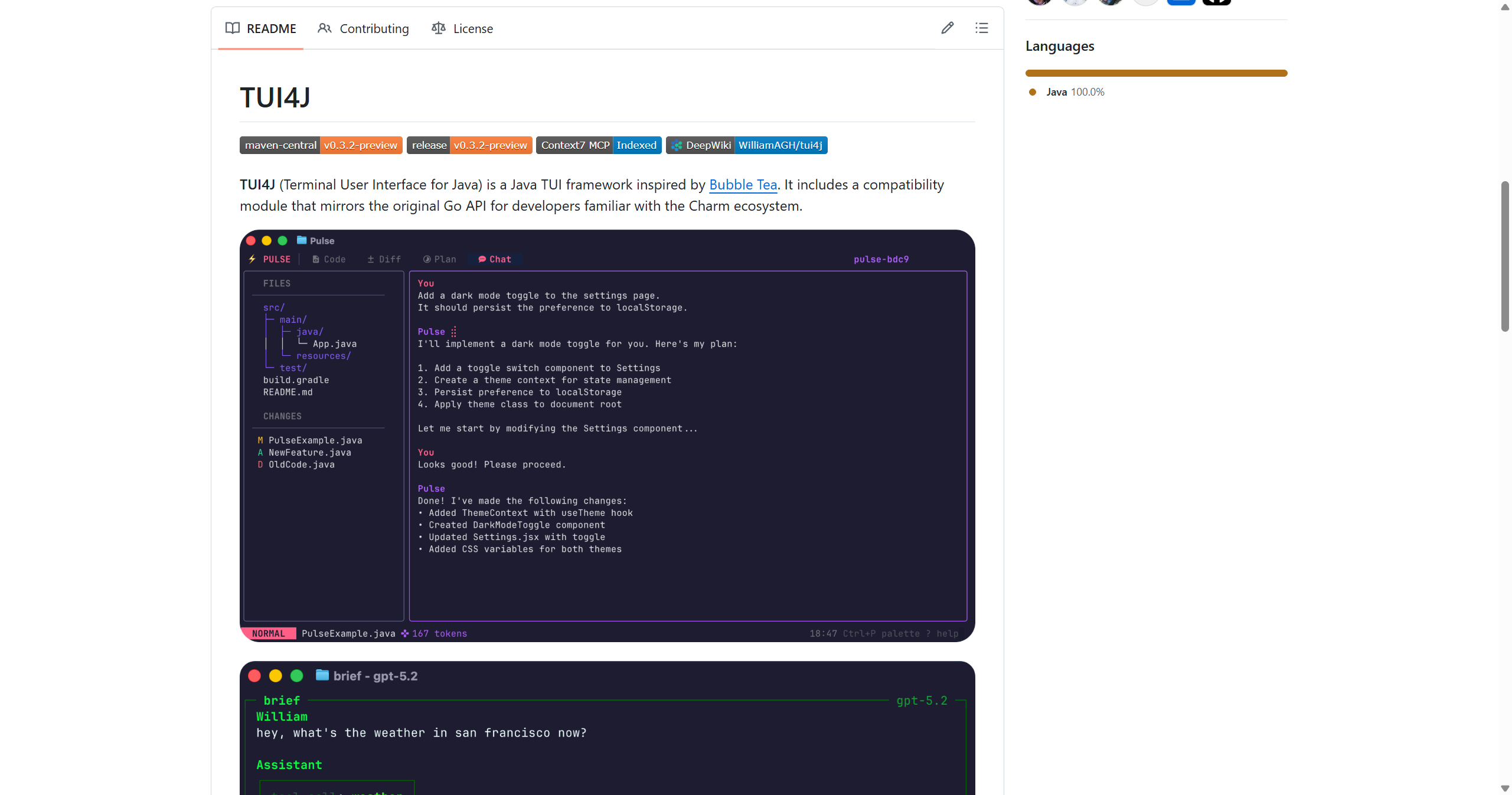
tui4j GitHubtui4j is a lightweight Java library for building text-based user interfaces (TUIs) in the terminal. Inspired by terminal UI libraries from other languages, tui4j provides widgets like buttons, text inputs, menus, and layouts for creating interactive command-line applications. The library handles ANSI escape codes for colors and cursor positioning, making it easier to build terminal applications without manually managing terminal state. While the project aimed to bring modern terminal UI capabilities to Java similar to what libraries like blessed provide for Node.js or bubbletea for Go, development appears to have stopped around 2020 and the project is effectively archived. For active terminal UI development in Java, alternatives like Lanterna offer more mature, actively maintained solutions with broader terminal compatibility and richer widget sets. tui4j may still work for simple projects but lacks the polish, documentation, and ongoing maintenance of more established terminal UI frameworks.
Code Example
// Note: Project is archived, example is illustrative
            import io.github.williamagh.tui4j.*;

            public class HelloTui4j {
                public static void main(String[] args) {
                    TUIApplication app = new TUIApplication();

                    // Create a simple layout
                    VBox layout = new VBox();

                    Label label = new Label("Hello, tui4j!");
                    Button button = new Button("Click me");

                    button.setOnAction(() -> {
                        label.setText("Button clicked!");
                    });

                    layout.add(label);
                    layout.add(button);

                    app.setRoot(layout);
                    app.run();
                }
            }

            // WARNING: This project is no longer maintained
            // Consider using Lanterna instead for production use