QtJambi
Status: Production-ready, Active
Java Version: 11+
Learning Curve: Moderate-Steep
Last Release: v6.10.2 (January 2026)
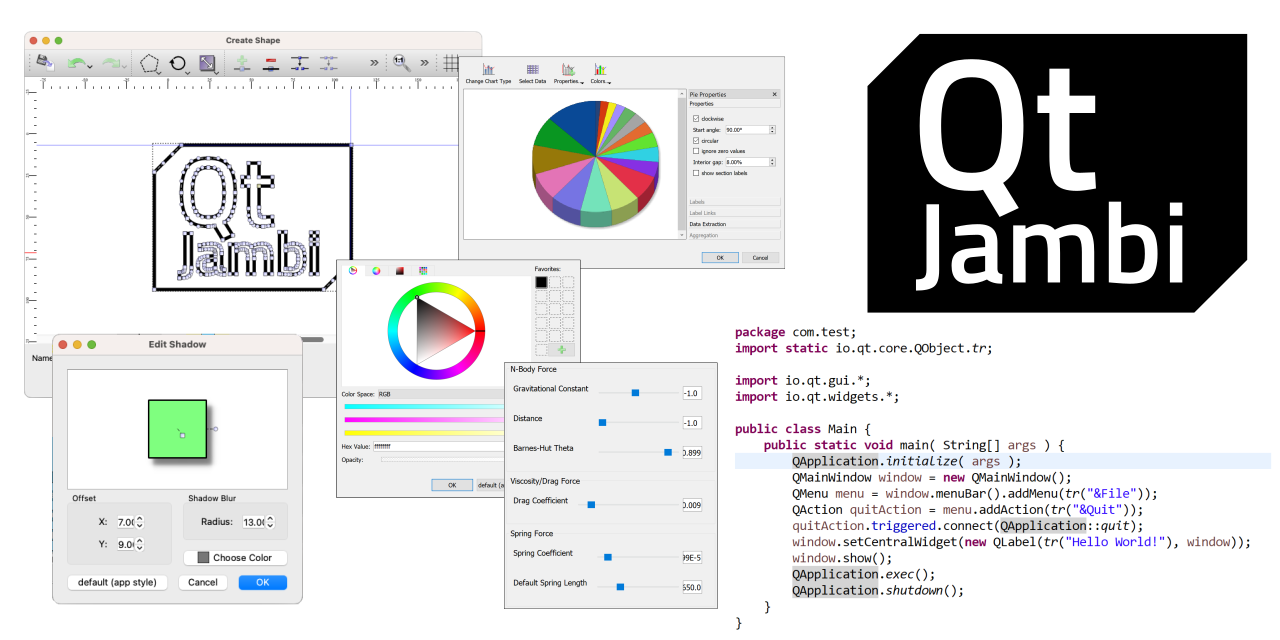
QtJambi DocumentationQtJambi brings the powerful Qt framework to Java and Kotlin, providing comprehensive Java bindings for the entire Qt C++ API. Originally developed by Trolltech (predecessor of The Qt Company), QtJambi is now actively maintained with support for Qt6 and modern Java versions. The framework automatically generates Java wrappers from Qt's C++ headers through introspection, offering access to QtCore, QtGui, QtWidgets for traditional desktop UIs, and QtQuick/QML for declarative interfaces. QtJambi handles native memory management and object lifecycle automatically through its JNI kernel. With support for Windows, Linux, macOS, and Android, it provides cross-platform native UI capabilities, OpenGL integration, multimedia support, SQL processing, and access to Qt's extensive module ecosystem. It's ideal for Java teams wanting professional, native-looking applications with the maturity and breadth of the Qt framework.
Code Example
import io.qt.widgets.*;
            import io.qt.core.*;

            public class HelloQtJambi {
                public static void main(String[] args) {
                    QApplication.initialize(args);

                    QWidget window = new QWidget();
                    window.setWindowTitle("QtJambi Example");
                    window.resize(400, 300);

                    QVBoxLayout layout = new QVBoxLayout(window);
                    QLabel label = new QLabel("Hello, QtJambi!");
                    QPushButton button = new QPushButton("Click me");

                    button.clicked.connect(() ->
                        label.setText("Button clicked!"));

                    layout.addWidget(label);
                    layout.addWidget(button);

                    window.show();
                    QApplication.exec();
                }
            }