Lanterna
Status: Production-ready, Mature
Java Version: 8+
Learning Curve: Easy
Last Release: v3.1.2
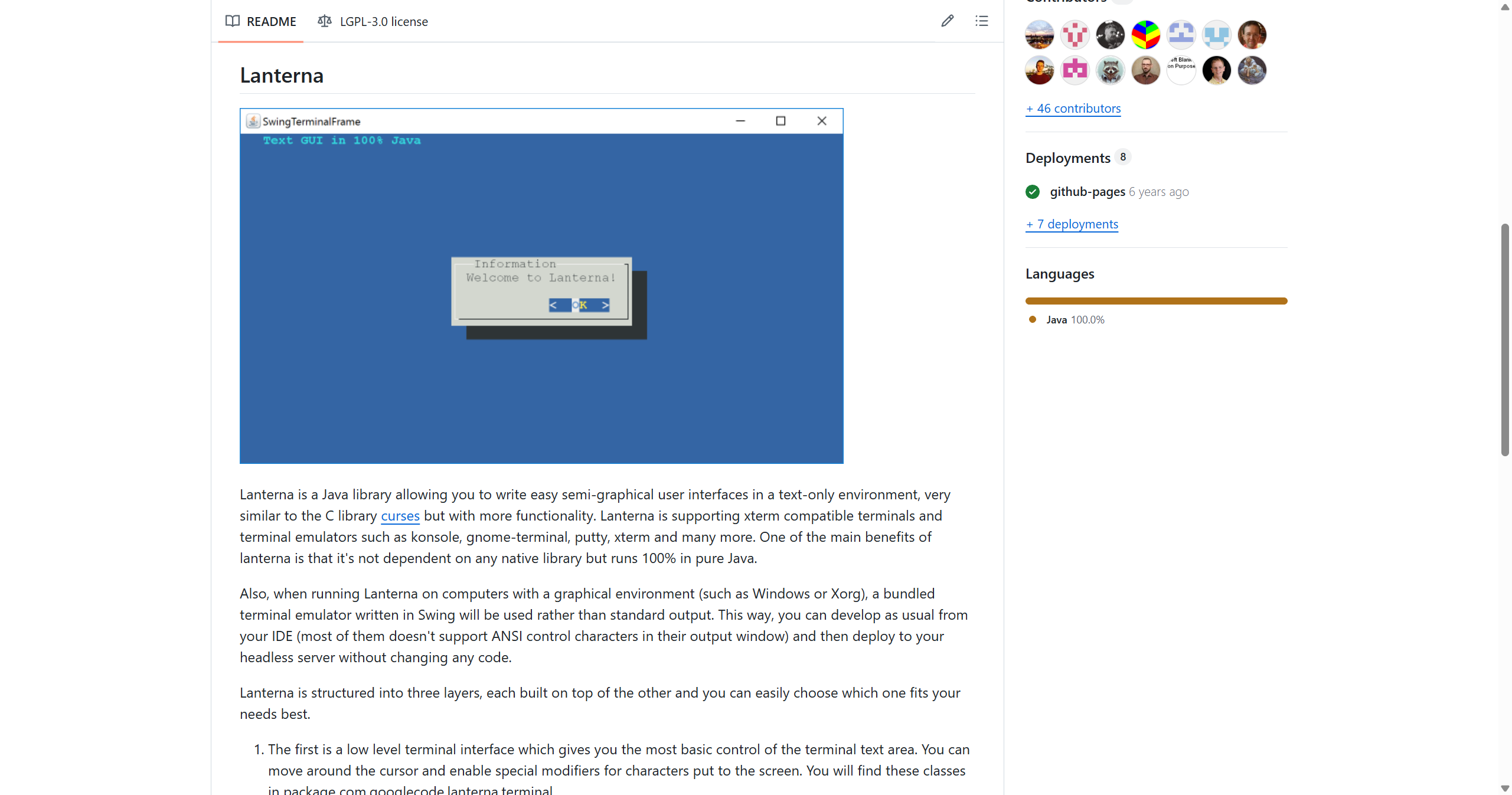
Lanterna GitHubLanterna is Java's answer to the C curses library for building text-based GUIs in terminal environments—with even more functionality. It's 100% pure Java with no native dependencies, working on any xterm-compatible terminal (konsole, gnome-terminal, putty, xterm, etc.) across Windows, macOS, Linux, and Unix-like systems. The framework provides three layers of abstraction: a low-level terminal layer for direct cursor control, a screen layer using a full-screen buffer/bitmap approach, and a complete GUI layer with windows, buttons, labels, and layouts. Notably, Lanterna bundles a Swing terminal emulator, so you can develop in your IDE (even though it doesn't support ANSI) and deploy unchanged to headless servers. It's perfect for temperature monitoring systems, server administration tools, text-based dashboards, or any headless environment requiring interactive UI.
Code Example
import com.googlecode.lanterna.gui2.*;
            import com.googlecode.lanterna.screen.Screen;
            import com.googlecode.lanterna.terminal.DefaultTerminalFactory;

            public class HelloLanterna {
                public static void main(String[] args) throws Exception {
                    DefaultTerminalFactory factory = new DefaultTerminalFactory();
                    Screen screen = factory.createScreen();
                    screen.startScreen();

                    WindowBasedTextGUI gui = new MultiWindowTextGUI(screen);
                    Window window = new BasicWindow("Lanterna Example");

                    Panel panel = new Panel(new LinearLayout());
                    panel.addComponent(new Label("Hello, Lanterna!"));
                    panel.addComponent(new Button("Close", window::close));

                    window.setComponent(panel);
                    gui.addWindow(window);
                    gui.waitForWindowToClose(window);
                }
            }