Krema
Status: Active Development
Java Version: 25+
Learning Curve: Moderate
Last Release: v0.1.0 (2026)
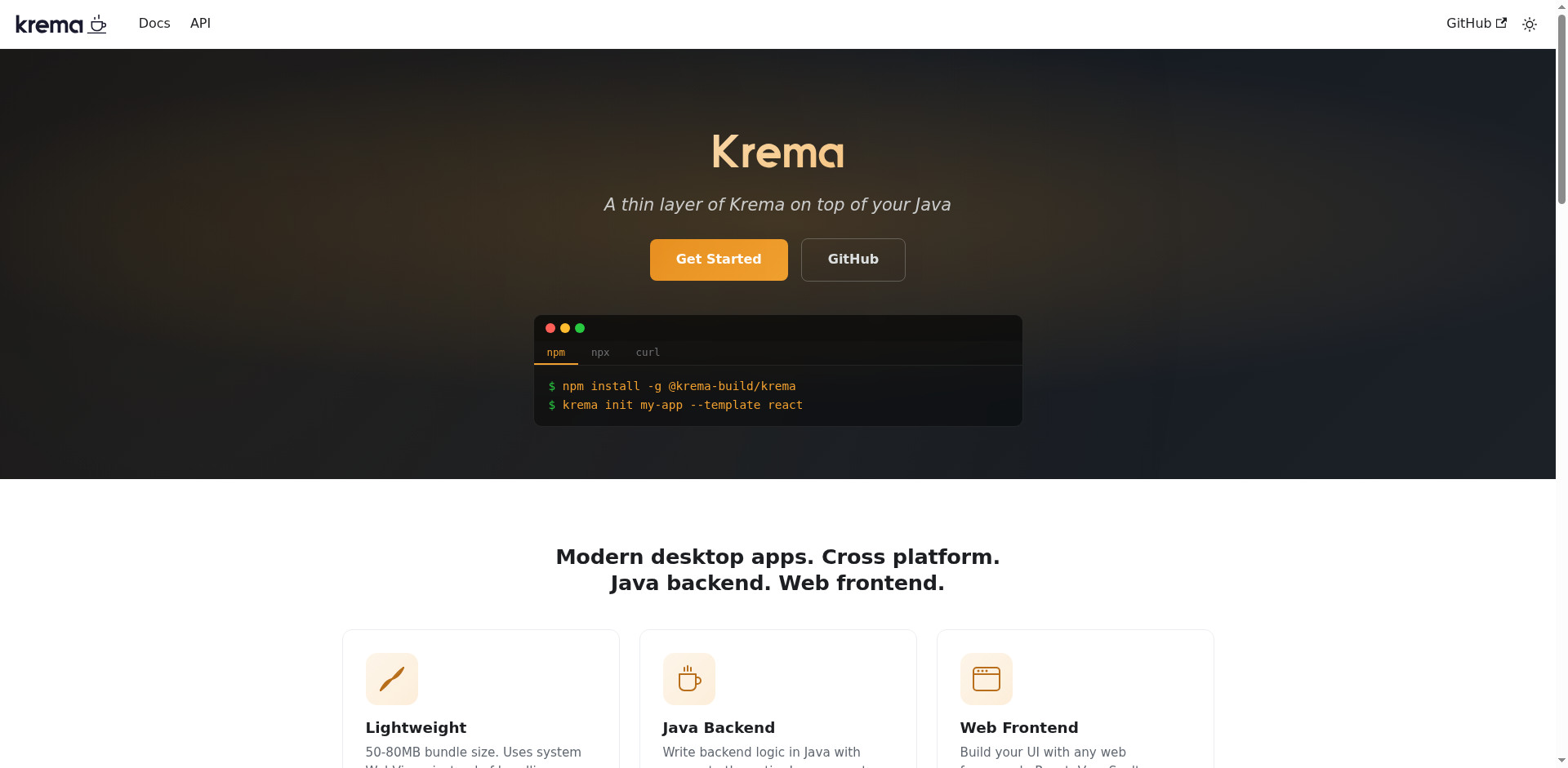
Krema Official WebsiteKrema is to the Java ecosystem what Tauri is to Rust—a framework for building lightweight, native desktop applications powered by system webviews instead of a bundled browser. Write your backend in Java, your frontend in React/Vue/Angular/Svelte, and ship small, fast, cross-platform apps. Unlike Electron's ~150 MB overhead, Krema apps start around ~5 MB, using the OS-native webview (WebKit on macOS, WebView2 on Windows, WebKitGTK on Linux) and communicating with Java via Project Panama's Foreign Function & Memory API—no JNI, no bundled browser, no Electron bloat. You get the full power of the JDK ecosystem for backend logic with complete freedom to use any web framework for the UI.
Krema features type-safe IPC through @KremaCommand annotations, bidirectional event streaming between Java and the frontend, rich native APIs (window management, menus, dialogs, notifications, clipboard, system tray, global shortcuts, drag & drop, secure storage), an extensible plugin system (SQLite, WebSocket, file upload, window positioning, autostart), and native packaging with GraalVM or JARs. The CLI scaffolds projects with integrated frontend dev servers, hot reload for both frontend and backend, and streamlined build/bundle workflows. Perfect for developers who want Electron's developer experience with Java's ecosystem strength and Tauri's lightweight footprint.
Code Example
import build.krema.core.Krema;
            import build.krema.core.KremaCommand;

            public class Main {
                public static void main(String[] args) {
                    Krema.app()
                        .title("My Krema App")
                        .size(1024, 768)
                        .commands(new Commands())
                        .devUrl("http://localhost:5173") // Frontend dev server
                        .run();
                }
            }

            class Commands {
                @KremaCommand
                public String greet(String name) {
                    return "Hello, " + name + "!";
                }

                @KremaCommand
                public SystemInfo systemInfo() {
                    return new SystemInfo(
                        System.getProperty("os.name"),
                        System.getProperty("java.version"),
                        Runtime.getRuntime().availableProcessors()
                    );
                }

                public record SystemInfo(String os, String javaVersion, int cpus) {}
            }

            // Frontend JavaScript (works with React, Vue, Angular, Svelte):
            // const greeting = await window.krema.invoke('greet', { name: 'World' });
            // const info = await window.krema.invoke('systemInfo', {});