JavaFX Maven Plugin
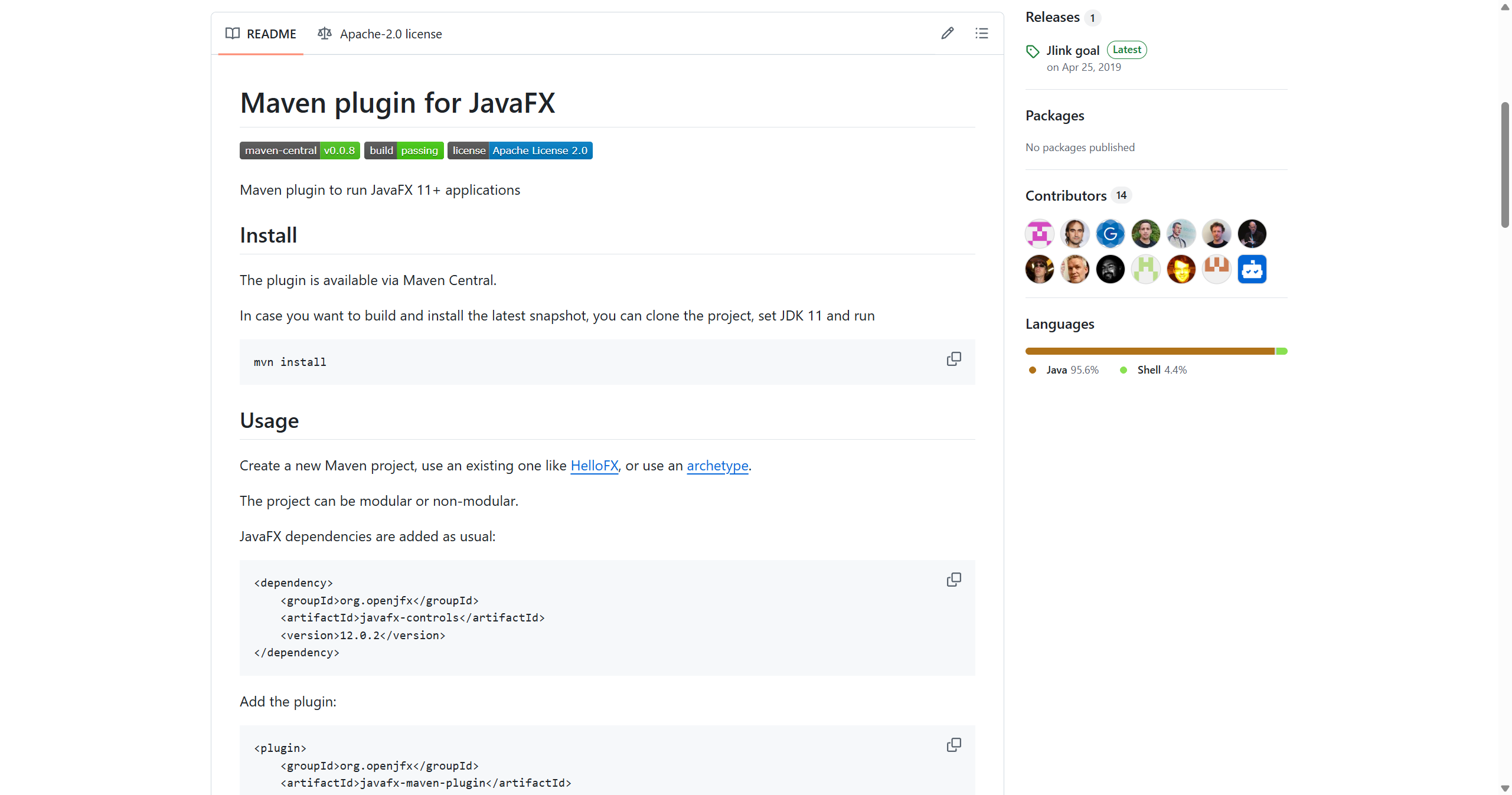
Status: Production-ready, Active
Java Version: 11+
Learning Curve: Easy
Last Release: v0.0.8 (2023)
JavaFX Maven Plugin GitHubThe JavaFX Maven Plugin simplifies JavaFX application development and deployment by handling module configuration, dependency management, and native packaging. Since JavaFX was decoupled from the JDK starting with Java 11, developers need to explicitly manage JavaFX modules as dependencies. This plugin automates that process and provides goals for running, debugging, and packaging JavaFX applications. It handles the complex modularized JavaFX dependencies, generates proper module-path configurations, and integrates with jlink to create custom runtime images. The plugin also supports GraalVM native image generation for JavaFX applications, enabling ahead-of-time compilation for fast startup and reduced memory footprint. For teams building JavaFX applications with Maven, this plugin is essentially mandatory—it handles the boilerplate configuration that would otherwise require extensive manual setup. It's maintained by the OpenJFX project team and represents the official, recommended way to build JavaFX applications with Maven.
Code Example
<!-- pom.xml configuration -->
            <project>
                <dependencies>
                    <dependency>
                        <groupId>org.openjfx</groupId>
                        <artifactId>javafx-controls</artifactId>
                        <version>21.0.1</version>
                    </dependency>
                </dependencies>

                <build>
                    <plugins>
                        <plugin>
                            <groupId>org.openjfx</groupId>
                            <artifactId>javafx-maven-plugin</artifactId>
                            <version>0.0.8</version>
                            <configuration>
                                <mainClass>com.example.App</mainClass>
                            </configuration>
                        </plugin>
                    </plugins>
                </build>
            </project>

            <!-- Run with: mvn javafx:run -->
            <!-- Create jlink image: mvn javafx:jlink -->
            <!-- Create native image: mvn javafx:native -->