HTMX
Status: Production-ready, Active
Java Version: N/A (JavaScript library)
Learning Curve: Easy
Last Release: v2.0.8 (2026)
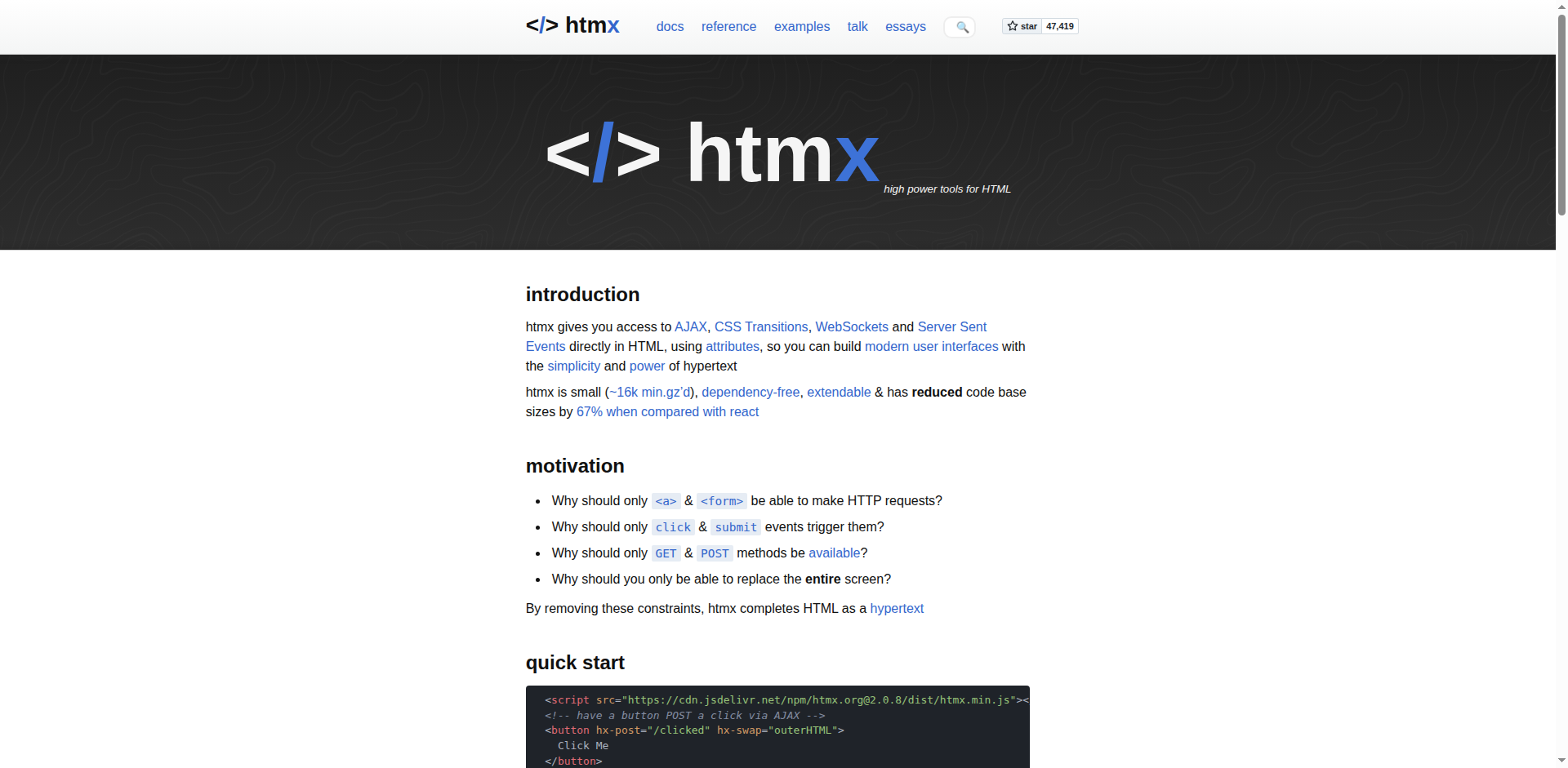
HTMX Official WebsiteHTMX is a lightweight JavaScript library (~16k min.gz'd) that gives you access to AJAX, CSS Transitions, WebSockets, and Server Sent Events directly in HTML through attributes, enabling you to build modern, interactive user interfaces with the simplicity of hypertext. While not a Java framework itself, HTMX is highly relevant to Java web development because it pairs exceptionally well with server-side Java frameworks like Spring Boot, Javalin, Quarkus, and others. Instead of building complex JSON APIs and heavyweight JavaScript SPAs, HTMX lets your Java backend return HTML fragments that are dynamically swapped into the page. This approach reduces code base size significantly (studies show up to 67% reduction compared to React), eliminates the need for a separate frontend build pipeline, and allows Java developers to stay primarily in their comfort zone. HTMX embraces REST/HATEOAS principles and is the successor to intercooler.js, gaining massive adoption in the Java community for building hypermedia-driven applications.
Code Example
// Spring Boot controller returning HTML fragments for HTMX
            @Controller
            public class TodoController {

                @PostMapping("/todos")
                public String addTodo(@RequestParam String text, Model model) {
                    Todo todo = todoService.create(text);
                    model.addAttribute("todo", todo);
                    return "fragments/todo-item"; // Returns HTML fragment
                }
            }

            // HTML with HTMX attributes (Thymeleaf template):
            // <form hx-post="/todos" hx-target="#todo-list" hx-swap="beforeend">
            //   <input name="text" type="text" placeholder="New todo"/>
            //   <button type="submit">Add</button>
            // </form>
            // <ul id="todo-list">
            //   <!-- Todo items inserted here -->
            // </ul>