Frontend Maven Plugin
Status: Production-ready, Active
Java Version: 8+
Learning Curve: Easy
Last Release: v1.15.1 (2024)
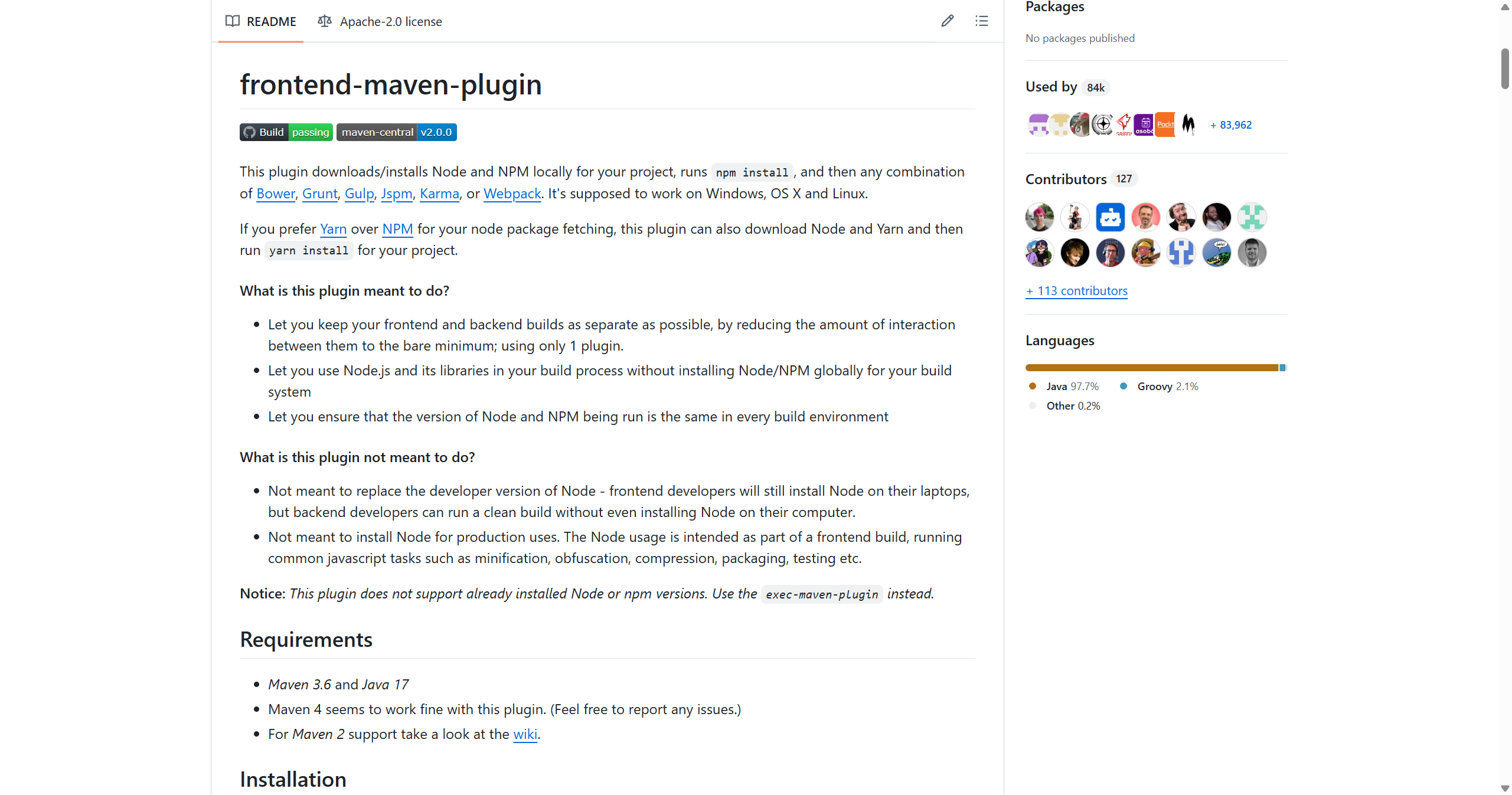
Frontend Maven Plugin GitHubThe Frontend Maven Plugin bridges Java and JavaScript build ecosystems by allowing you to download and run Node.js and npm as part of your Maven build without requiring global Node.js installation. This is crucial for Java web applications that use modern frontend frameworks (React, Vue, Angular) or build tools (Webpack, Vite, esbuild) alongside server-side Java code. The plugin downloads specific Node.js and npm/yarn/pnpm versions into your project, ensuring reproducible builds across different developer machines and CI environments. It can execute npm install, npm run build, and any other npm scripts as Maven goals, integrating frontend compilation into your standard Maven lifecycle. This approach prevents "works on my machine" issues caused by different global Node.js versions and provides a single build tool (Maven) for full-stack Java applications. Popular in Spring Boot, Quarkus, and other Java web frameworks, it's essentially mandatory for modern Java web applications with complex frontend requirements.
Code Example
<!-- pom.xml - Integrate Node.js/npm with Maven -->
            <build>
                <plugins>
                    <plugin>
                        <groupId>com.github.eirslett</groupId>
                        <artifactId>frontend-maven-plugin</artifactId>
                        <version>1.15.1</version>

                        <configuration>
                            <nodeVersion>v20.11.0</nodeVersion>
                            <npmVersion>10.2.4</npmVersion>
                            <workingDirectory>src/main/frontend</workingDirectory>
                        </configuration>

                        <executions>
                            <execution>
                                <id>install node and npm</id>
                                <goals><goal>install-node-and-npm</goal></goals>
                            </execution>
                            <execution>
                                <id>npm install</id>
                                <goals><goal>npm</goal></goals>
                            </execution>
                            <execution>
                                <id>npm run build</id>
                                <goals><goal>npm</goal></goals>
                                <configuration>
                                    <arguments>run build</arguments>
                                </configuration>
                            </execution>
                        </executions>
                    </plugin>
                </plugins>
            </build>

            <!-- Now 'mvn package' builds both Java and JavaScript -->