AsciiTable
Status: Production-ready, Mature
Java Version: 8+
Learning Curve: Easy
Last Release: v0.3.2
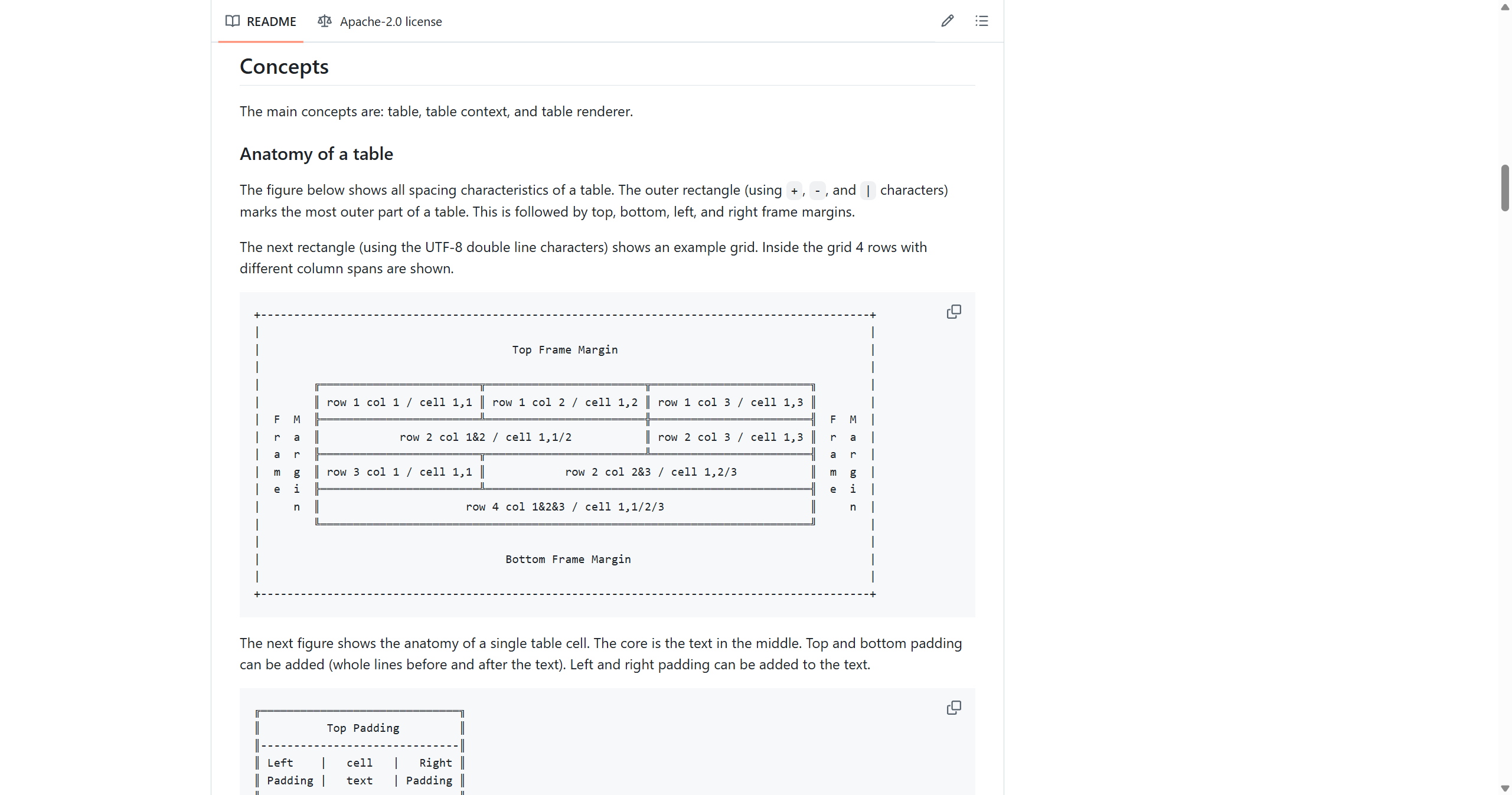
AsciiTable GitHubAsciiTable is a versatile library for rendering beautifully formatted ASCII tables in terminal applications, perfect for displaying tabular data in CLI tools, monitoring dashboards, and log outputs. The library removes excessive whitespace and provides fine-grained control over every aspect of table appearance: text alignment (left, right, centered, justified), padding characters for all sides, customizable grid styles with various line weights (normal, light, strong, heavy), and configurable margins and frames. Tables can span columns, handle text wrapping, and even convert characters for LaTeX or HTML output, making it suitable for generating documentation or reports.
The framework follows a clean architecture with three core concepts: the table itself for content management, a context for configuration, and a renderer for output generation. This separation allows you to define your table structure once and render it in multiple formats or with different styling options. Whether you're building command-line admin tools that display server statistics, creating terminal-based data visualizations, or formatting log output for better readability, AsciiTable provides the flexibility and control needed for professional-looking tabular output in any terminal environment.
Code Example
import de.vandermeer.asciitable.AsciiTable;
            import de.vandermeer.skb.interfaces.transformers.textformat.TextAlignment;

            public class HelloAsciiTable {
                public static void main(String[] args) {
                    AsciiTable table = new AsciiTable();
                    table.addRule();
                    table.addRow("Name", "Age", "City");
                    table.addRule();
                    table.addRow("Alice", "30", "New York");
                    table.addRow("Bob", "25", "Los Angeles");
                    table.addRow("Charlie", "35", "Chicago");
                    table.addRule();

                    table.setTextAlignment(TextAlignment.CENTER);
                    String rendered = table.render();
                    System.out.println(rendered);
                }
            }